
Demo videos that look studio-made.
Recorded in your real app. Edited for launch.
River records your product in action, then adds zooms, a voice-over, music, and captions.
Get startedHow it works

Founder
Start a playbook and River works through it with you in the chat.
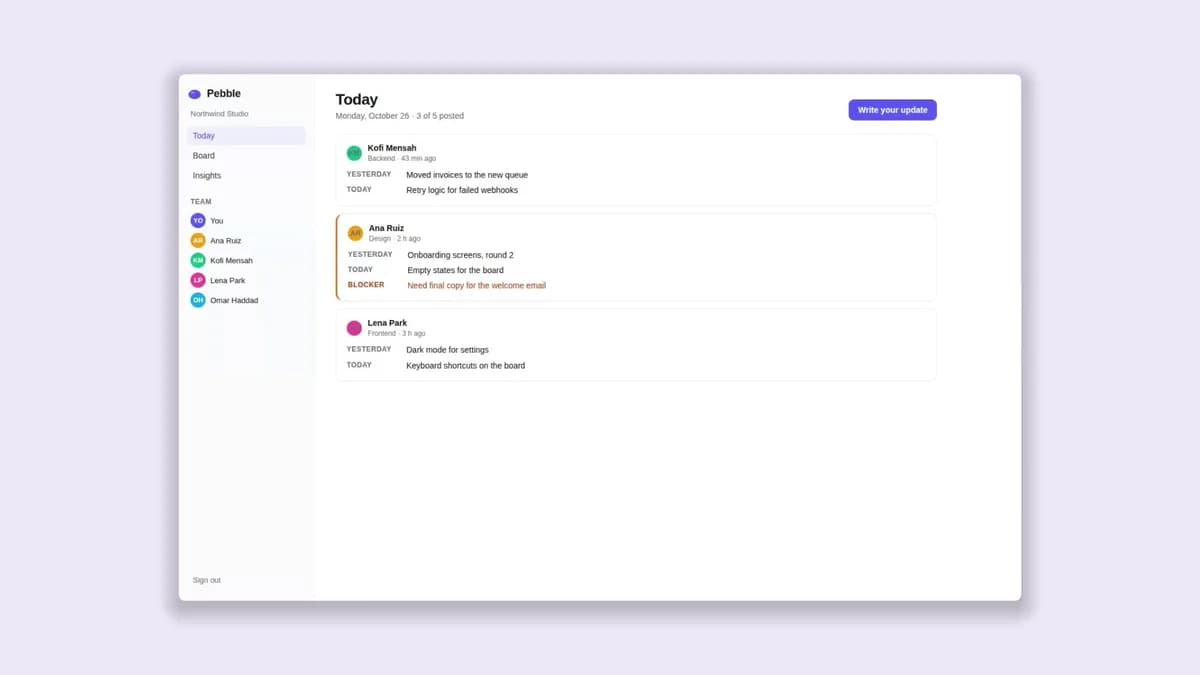
Run my demo video playbook.
- The story
- Write an update, flag a blocker, see it on the board
- Where it’s for
- Website or launch
- Where Pebble runs
- On your computer
Recording…0:04
Ask anything, or describe what you want done
Straight out of River.
Recorded, cut, and captioned from a single card.
Start in three steps.
Get River
Download the app for your computer.
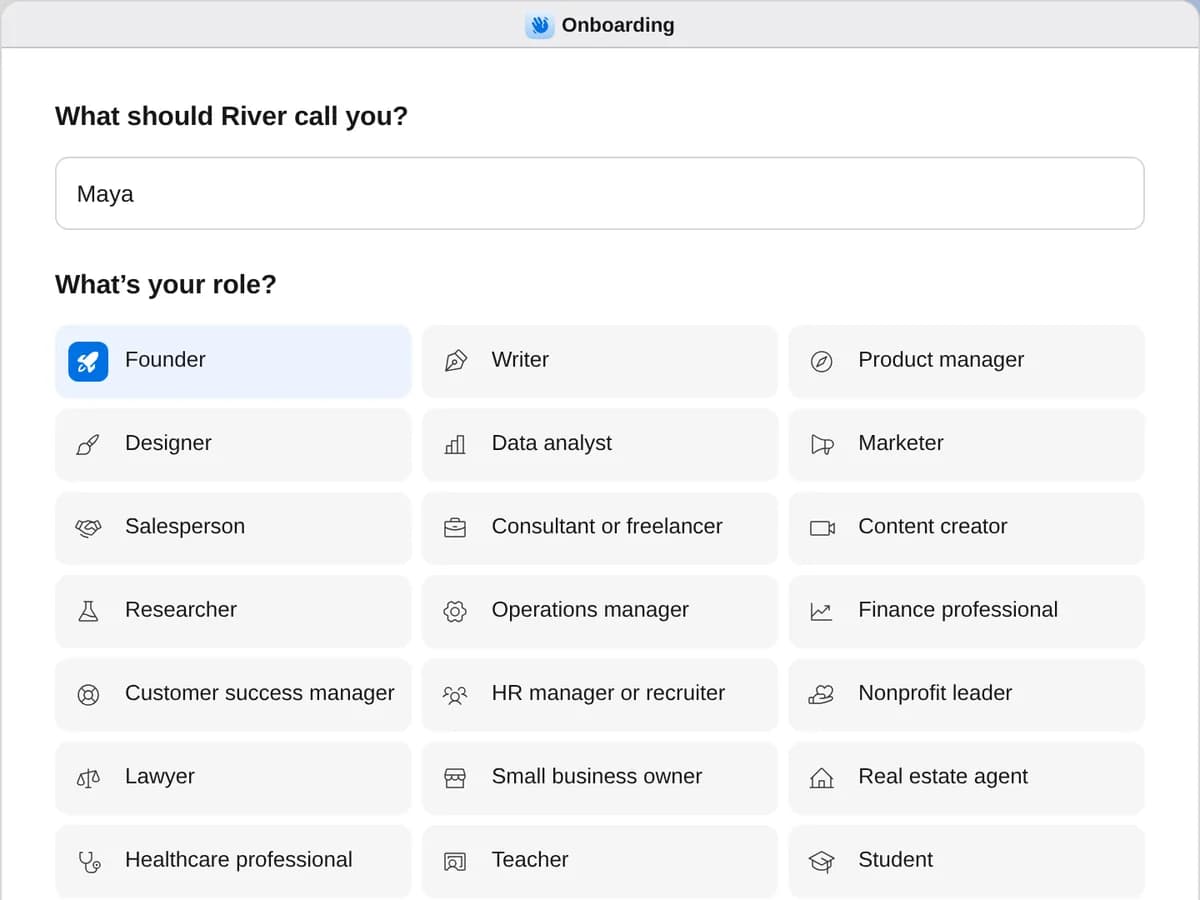
Sign up as a founder
When River asks your role, choose Founder.
- Playbooks
Founder
Start a playbook and River works through it with you in the chat.
StartCold outreachSay what you’re reaching out about: River finds the right people, writes in your voice, sends when you say go and follows up.StartSwagSwag people actually wear, in a few minutes: say who it’s for, pick a design, and River sets up the order for you to pay.StartDemo videoA polished video of your real product: River records your app, then adds zooms, a voice-over, music and captions.StartSocial mediaRiver finds the news in your week, writes posts in your voice, schedules them on LinkedIn and X, and drafts your replies.StartProspectingSay what you make: River picks who needs it most, finds those people with a reason to write now and builds your list.StartLinkedIn outreachSay who you want to meet: River finds them, invites them without a note and writes each first message in your voice.StartCold emailSay what you offer and to whom: River finds the people, writes in your voice and sends from your mailbox or addresses it sets up.StartX outreachSay who you want to reach: River finds conversations worth joining, drafts replies in your voice and DMs once they answer.StartWardrobeSay what you’re after: River picks classic, well-made clothes, shoes and a cologne in colors you’ll wear, then orders them.Coming soonInvestor outreachA shortlist of investors who back companies like yours, with warm intros and personal notes ready to send.Coming soonMonthly investor updateYour monthly update written from your real numbers, wins and asks, ready for your investors.Coming soonCustomer interviewsCalls booked with the right customers, then what they said turned into clear themes and next steps.Coming soonHire your first engineerA clear role description, a list of strong candidates and a simple interview plan.Start Demo video
Press + in your Dock, open Playbooks, and press Start. Answer one card. River plans, records, and edits the rest.
A few things to know.
Can it record an app running on my computer?
Yes. Start your app and open it once in River’s browser, and River records it there, just like your website.
Do I have to share my password?
No. You sign in yourself in River’s browser, and River never types passwords. A demo account works best.
Will my customers’ data end up in the video?
Only made-up data does. Before it records, River fills a demo account through your app, and nothing real is sent, paid for, or published.
Can I change the video afterwards?
Anytime. It’s a Video Studio project, so the script, voice, music, zooms, and captions are all yours to change. River can also cut a short vertical version for social.
What does it cost?
It all comes out of your AI credit, voice-over and music included, with no other tools to pay for.
View pricing